
Category Archives: AI tools

The AI Tools I Used To Go From Overwhelmed to More Profitable – In Less Than 30 Days

the best ai tools to make money online

When I first launched my online business, I thought hard work was all it would take. I burned hours writing blog posts, tweaking landing pages, and watching endless “how-to” videos. But despite all the effort, my business wasn’t moving forward.

Eventually I started to make money but I still worked too many hours. It didn’t look like the “internet lifestyle” I heard so much about. I wasn’t traveling all over the world or driving exotic cars. It wasn’t because of lack of money (well maybe not having the cars) it was still from lack of time. Just like when I had a job. Something wasn’t right.

That’s why, about 3 years ago, when AI first came on scene, I was right there. I started using it and saw pretty much instant improvement. I like to write, so I never wanted AI to replace me, I just wanted a helping hand.

Using AI to brainstorm, set milestones, create content calendars and even create content outlines reduced my work day by about 70%.

Since then, I’ve never looked back. I keep finding, and creating, new AI tools to shorten my workday and my workload.

Now, I’m truly living the internet lifestyle. Free time to go places, hang out with family (still no exotic car though 🙂 )

The Reality of Online Business Overload

Running an online business means juggling:

  • Content creation
  • Funnel building
  • Email marketing
  • SEO
  • Social media

Individually, each task seems manageable. But together, they can crush even the most motivated entrepreneur. I reached the point where I realized: working harder wasn’t the answer. There are only so many hours in a day and only so much bandwidth we can give to our business.


My Turning Point: The Power of Leveraging AI Tools

Shortly after seeing the power of these AI tools in building, scaling and running an online business, I thought others would benefit too. That’s when I created, and use, the Marie Grove Method—a system that combines smart strategy with AI-powered GPT tools that I created. Instead of trying to do everything manually, I put AI to work in three core areas:

  1. Niche Finder GPT – This tool helped me cut through the noise and choose a profitable niche aligned with both my interests and market demand.
  2. Funnel Builder GPT – In less than an hour, I had a complete funnel blueprint mapped out, ready to launch.
  3. Email Assistant GPT – Instead of agonizing over copy, I had a full nurture sequence written and scheduled in minutes.


What Changed in Just 30 Days

With those tools in place, the results came fast:

  • Clarity: No more second-guessing what to write or where to focus.
  • Consistency: I built a publishing schedule across Medium, Blogger, and YouTube—and stuck to it.
  • Traffic: My AI-optimized articles started ranking, pulling in organic visitors.
  • Leads: My funnel captured subscribers daily.
  • Sales: My first affiliate commissions came through from emails I didn’t even have to write myself.

To be honest, I had been online for a long time when AI came out. I had many of these systems in place already. Even so, these AI tools (I created some GPTs just for certain tasks. If you don’t know what a GPT is, you can read about it here) still made everything faster and they allowed me to build new income streams. Something I never had the time for before.


Why This Worked

Here’s the big shift: a good system is more important than just hustle.

AI tools gave me leverage. Instead of reinventing the wheel every day, I finally had a repeatable system for:

  • Generating content ideas
  • Publishing consistently
  • Driving traffic into a funnel that converts

This combination – AI + the Marie Grove Method framework, was the bridge between working too hard and not having the time to expand, and seeing my profit explode as I had more time to create and grow new income streams. I made more, created more income streams and worked fewer hours!

For those just starting out, or who have been at it for a little while but aren’t getting anywhere, these tools really are groundbreaking.


Final Thoughts

If you’re in that place where your to-do list is endless but your progress is invisible, don’t quit. You don’t need to double your hours, you need smarter tools.

The Marie Grove Method is built to help beginners escape overwhelm and fast-track to profitability using exclusive GPT tools designed for content, funnels, and email marketing.

👉 See how it works here.

Speed Up Content Creation With Rytr AI

Affiliate disclosure

Virtually all types of businesses need to create content and, in many cases, a lot of content.

Whether it’s a blog post, email, landing page, script for a video, Facebook post or X post (and sometimes all of the above), it’s a lot of work and time!

The most common challenges with content creation:

  1. Writer’s Block – Before you can create content, you need to know the topic.
  2. Time-Consuming – Writing a 1000-word article takes a long time, in part due to the research needed.
  3. Inconsistent Quality – Some days your writing may be perfect and flow like water, other days not so much. As a freelance writer, I can attest to this!
  4. Lack of Writing Experience – Lets face it, not everyone is weird like me and enjoys writing.
  5. Burnout – Writing multiple pieces of content 5+ times a week is exhausting.
  6. Hard to Create Different Styles – Depending on the type of content you’re creating, it may be necessary to use different styles of writing. That just adds time to the whole process.

But, there is a better way…

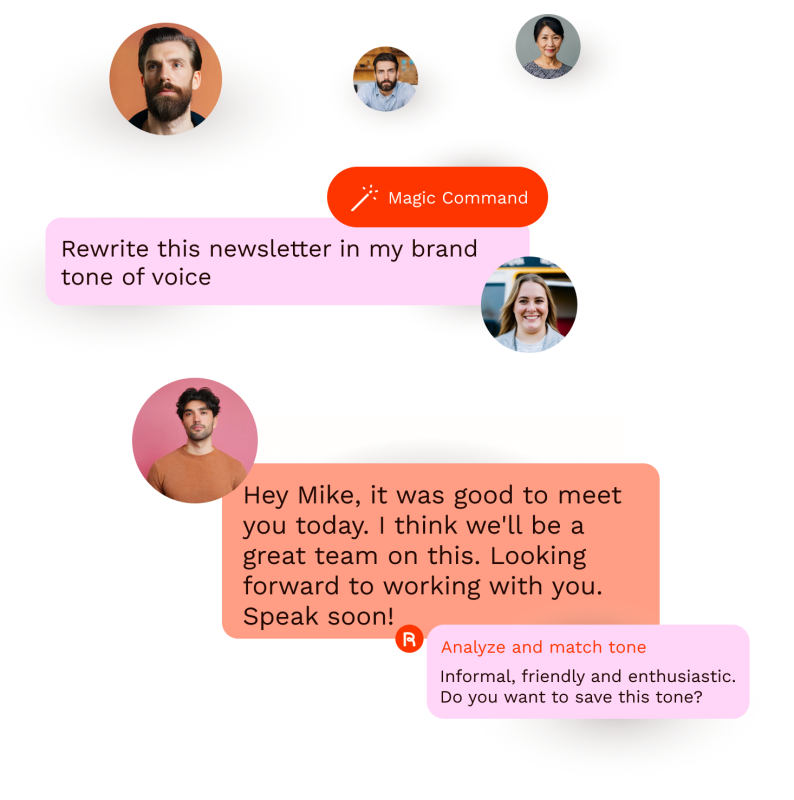
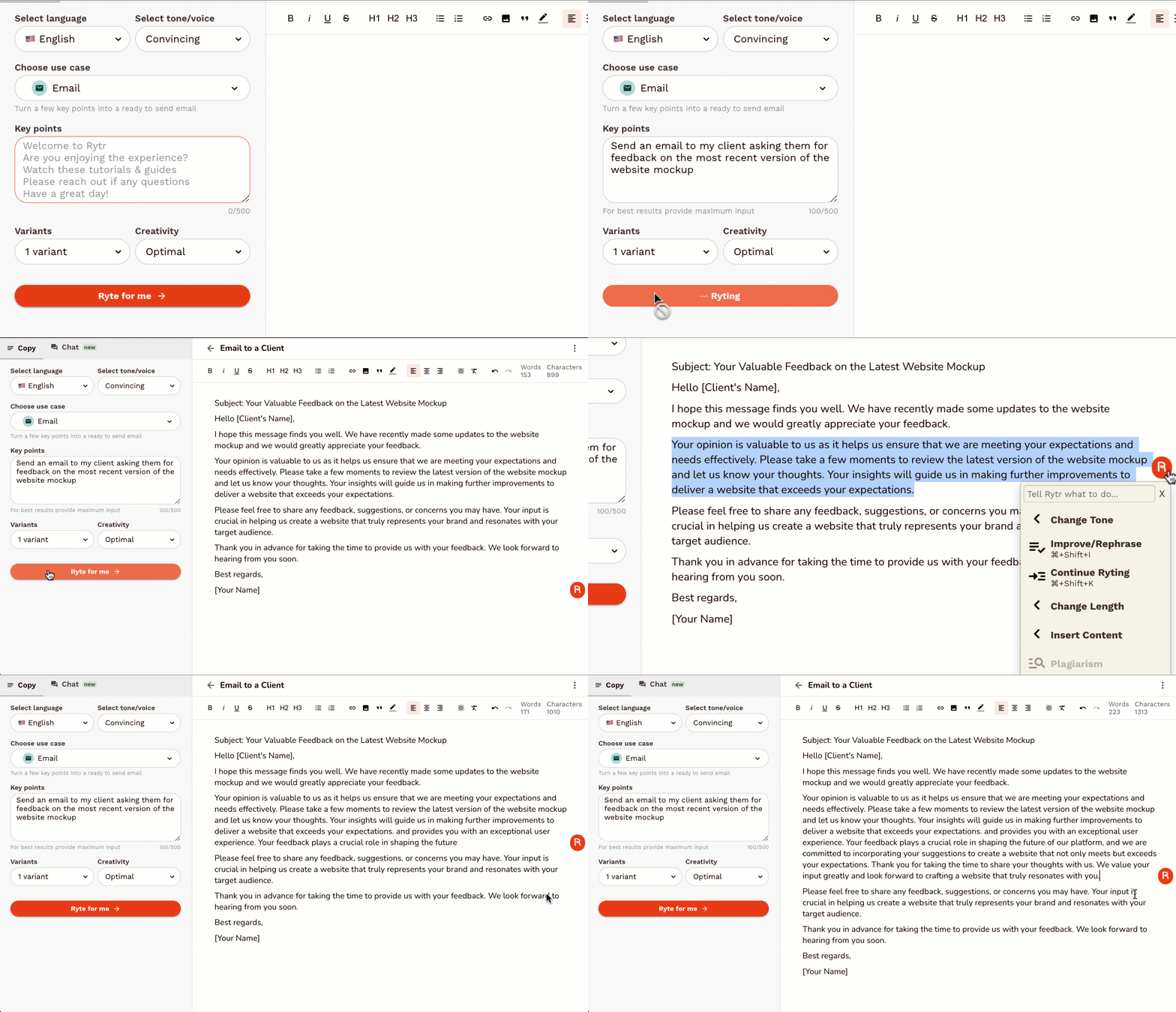
Rytr is an AI writing tool designed to help you create content quickly and efficiently. Whether you need blog posts, emails, social media updates, or product descriptions, Rytr can make the process easier by generating content for you.

How Rytr Works

  • Input Your Brief
    You start by giving Rytr a short description or a few keywords about what you need. This could be as simple as “write a blog post on the benefits of meditation.”
  • Choose the Tone
    You can pick from tones like formal, casual, or persuasive, depending on what fits your audience.
  • Generate Content
    With a click, Rytr creates content based on your inputs. You can review, tweak, and regenerate sections if needed.
  • Use Cases
    Rytr can create various types of content, including:
    • Blog posts
    • Emails
    • Social media updates
    • Ads
    • Product descriptions
    • Song lyrics
    • Job descriptions

Click Here To Access Rytr


Key Features of Rytr

  1. Pre-built Templates
    • Rytr offers templates for common writing tasks like blog outlines, marketing emails, and Facebook ads. This means you don’t have to start from zero each time.
  2. Multiple Languages
    • Rytr supports over 20 languages, so you can create content in various languages, making it a global solution.
  3. Plagiarism Checker
    • Worried about originality? Rytr includes a built-in plagiarism checker to ensure your content is unique.
  4. Affordability
    • Rytr is much cheaper than hiring a writer. For small businesses or individuals, it offers a budget-friendly alternative to outsourcing content creation.
  5. Customization
    • While Rytr generates the content, you have full control to customize it. You can adjust the wording, tone, and structure to better suit your voice and needs.

Access Rytr here

Who Can Benefit From Rytr?

  1. Freelancers
    • If you’re juggling multiple clients, Rytr helps you deliver more content in less time. You can meet deadlines faster without sacrificing quality.
  2. Small Businesses
    • For businesses with limited marketing budgets, Rytr provides an affordable way to create content without hiring expensive copywriters.
  3. Social Media Managers
    • With constant pressure to post fresh content, Rytr can generate updates, captions, and even full social posts, saving you hours each week.
  4. Content Creators
    • Bloggers, YouTubers, and podcasters can use Rytr to help draft content, plan scripts, and brainstorm new ideas.
  5. Students
    • Struggling to write essays or creative pieces? Rytr can help by suggesting ideas, creating drafts, and ensuring your content is well-structured.

Pros of Rytr

  • Easy to Use
    With a clean and simple interface, even those unfamiliar with AI tools can start using Rytr quickly.
  • Time Saver
    By generating content quickly, Rytr allows you to spend more time on editing and refining instead of starting from scratch.
  • Affordable Pricing
    Rytr offers a free plan with limited access and affordable premium plans, making it accessible to individuals and small businesses.
  • Versatile Content
    Whether you need a sales email, blog post, or product description, Rytr covers a wide variety of content types.
  • Helps with Brainstorming
    Stuck for ideas? Rytr can help by generating lists of topics or angles to explore, sparking new ideas.

Cons of Rytr

  • Not Always Perfect
    While Rytr is great for generating drafts, like with all AI, the content still requires human review and editing. It might miss nuances or create generic phrases that need refining.
  • Limited Free Plan
    The free plan only allows a small amount of content generation each month, so heavy users may need to upgrade.
  • Lacks Depth for Complex Topics
    Rytr excels at short-form content or straightforward topics but may struggle with highly technical or deep-dive subjects.
  • May Not Capture Your Voice
    If you have a very specific writing style or brand voice, Rytr may not always get it exactly right. I would recommend you tweak the content to better match your tone. Even so, you’ll save a ton of time.

Access Rytr here

Bottom Line: Is Rytr Worth It?

Yes, if you’re looking for:

  • A quick way to generate content and overcome writer’s block.
  • A tool to help you brainstorm new ideas or get started on a draft.
  • An affordable solution for small businesses or freelancers who need to produce a lot of content quickly.

No, if you:

  • Need highly specialized or deeply technical content.
  • Prefer a more personal, hands-on approach to writing without relying on automation.

Overall, Rytr is an excellent tool for content creators, freelancers, and small businesses who need to save time and increase productivity. It offers a cost-effective way to overcome common pain points like writer’s block and time-consuming content creation. And, with a few tweaks, you still get more done more quickly while still reflecting your voice and brand.

Tips To Craft The Perfect AI Prompt With Examples

Two of the most common AI programs for creating written materials are ChatGPT and Gemini. I’ve used both, mostly ChatGPT, and found that the results can be amazing… as long as you use the best prompt.

These AI programs aren’t flawless by any means, but they do an increasingly good job. The quality of the output will always, in part, depend on the quality of your input (prompt).

You may have heard the term garbage in-garbage out. This originated in the computer field. It means if you don’t put in the right code, you won’t get proper results.

The same thing applies when using AI. If you don’t put in the right prompt, you won’t get the results you want.

Here is an overview of how to create the perfect AI prompts:

Step 1: Define the Objective

What do you want? A 500 word blog post? A content calendar? Youtube video script? Figure out the exact result you’re looking for and create a prompt for that.

Step 2: Provide the relevant information

If you are asking the AI to write a blog post tell it the length, the tone (professional, casual, conversational, etc.) the subject and what, keywords you want included. In short, the more information you provide, the better the result.

Step 3: Keep it Concise

While detail is important don’t go overboard. Think of it like Who, What, Where, Why and When, just the facts!

Step 4: Avoid Jargon

Unless it’s necessary don’t use a lot of jargon. Keep your prompt simple, detailed and in plain language.

Step 5: Refine your prompt.

If this results aren’t what you wanted, just evaluate the prompt and include more details. This extra step can help you create an effective prompt that you can use over and over.

Here are a few examples:

Prompt:
“Given the increasing trend towards remote work, what are three key strategies that have proven effective in maintaining productivity and team collaboration? Please provide detailed explanations and examples from successful implementations.”

Prompt:
“Write a short story (500-700 words) set in a dystopian future where technology governs every aspect of life. The protagonist is a young hacker trying to break free from the system. Focus on their internal conflict and the world-building details.”

Prompt:
“I am experiencing a bug in my Python code where the program crashes when processing large data files. The error message is ‘Memory error: Unable to allocate memory.’ What are some potential solutions to handle large data efficiently in Python? Please provide code examples and explanations.”

Common Pitfalls to Avoid

  • Vagueness: Avoid prompts that are too broad or vague. Specificity is key.
  • Over-complication: Don’t overload the prompt with too many questions or requirements. Break it down if necessary.
  • Assumptions: Unless you’re continuing an existing conversation, don’t assume the AI will have prior knowledge that isn’t provided in the prompt.

NOTE: I don’t think I mentioned it before, but these chat programs can save and remember past chats. So if you need something on the same topic as a previous chat you can go to that chat and ask for more information on that topic, you don’t need to start a whole new chat.

Final Prompt Checklist

  • Is the objective clear?
  • Have I provided enough context?
  • Is the prompt specific and detailed?
  • Is the language clear and concise?
  • Have I tested and refined the prompt?

Hope this helps.

Whether we like it or not, and some people don’t, I suspect AI is here to stay. While I do have some concerns, I’m going to embrace the benefits of Ai to become more productive in my work and personal lives.

50 Best Prompts For AI

Here is a list of the most commonly requested help from ChatGPT. These topics are for both work and personal issues. I’ve included the best prompts to use in order to get the most accurate results.

If you need to add more details to any prompt, such as a specific word length for a blog post, you can simply add something like “Make the post between 1,000 and 1,500 words in length”.

Enjoy!

Prompts for Work-Related Tasks

  1. Writing and Editing:
    • “Please draft an email to [recipient] about [subject].”
    • “Can you create a report on [topic] with the following details: [details]?”
    • “Proofread the attached document for any grammatical or spelling errors.”
    • “Write an article about [topic] for our blog, focusing on [specific aspect].”
    • “Compose a business proposal for [project] including [key points].”
  2. Data Analysis:
    • “Analyze this dataset on [topic] and provide insights on [specific aspect].”
    • “Create a chart/graph illustrating [data points] from this dataset.”
    • “Interpret the statistical data related to [topic] and summarize the findings.”
    • “Summarize the results of this survey on [topic] and highlight key trends.”
    • “Perform market research on [industry/competitor] and compile the findings.”
  3. Project Management:
    • “Plan a project for [task] and outline the key steps involved.”
    • “Create a timeline for [project] with milestones and deadlines.”
    • “Set up milestones for [project] and define deliverables for each stage.”
    • “Track the progress of [project] and provide a status update.”
    • “Manage the resources for [project] and ensure all tasks are allocated properly.”
  4. Research:
    • “Find academic articles on [topic] and summarize their key points.”
    • “Summarize this research paper on [topic] highlighting the main findings.”
    • “Gather industry insights on [topic] and compile a report.”
    • “Conduct a competitive analysis of [competitor] and provide a comparison.”
    • “Compile a literature review on [topic] including [number] of sources.”
  5. Technical Support:
    • “Troubleshoot this software issue with [software name] and provide a solution.”
    • “Provide coding help for [language] to achieve [specific goal].”
    • “Explain the technical concept of [topic] in simple terms.”
    • “Assist with the installation of [software/hardware] and ensure it’s set up correctly.”
    • “Help debug this code snippet in [programming language] to fix [issue].”
  6. Presentations:
    • “Design slides for a presentation on [topic] with the following key points: [points].”
    • “Structure a presentation on [subject] including an introduction, body, and conclusion.”
    • “Add speaker notes to the presentation slides for [topic].”
    • “Create visual aids for a presentation on [topic], focusing on [aspect].”
    • “Enhance the aesthetics of this presentation on [topic] with better graphics and layout.”
  7. Marketing and SEO:
    • “Develop a marketing strategy for [product/service] targeting [audience].”
    • “Create social media content for [platform] about [topic/event].”
    • “Conduct keyword research for [topic] and provide a list of targeted keywords.”
    • “Write an SEO-friendly article on [topic] incorporating [keywords].”
    • “Analyze web traffic for [website] and suggest improvements.”
  8. Financial Analysis:
    • “Create a budget for [project/department] with estimated costs and revenues.”
    • “Analyze the financial statements for [company] and provide insights.”
    • “Develop a financial model to forecast [financial metric] over [time period].”
    • “Perform a cost-benefit analysis for [project/decision] considering [factors].”
    • “Prepare an investment report on [company/industry] including key financial metrics.”
  9. Administrative Support:
    • “Schedule a meeting with [person/department] for [date and time].”
    • “Organize these files related to [project/topic] in a structured manner.”
    • “Manage the contact list for [department/team] and update any changes.”
    • “Write meeting minutes for the meeting on [date] and highlight key decisions.”
    • “Handle customer inquiries regarding [product/service] and provide appropriate responses.”
  10. HR and Recruitment:
    • “Draft a job description for the position of [job title] with the following requirements: [requirements].”
    • “Screen resumes for the position of [job title] and shortlist suitable candidates.”
    • “Prepare interview questions for candidates applying for [job title].”
    • “Conduct preliminary interviews with candidates for [job title] and assess their suitability.”
    • “Onboard new employees for [department] and ensure they have all necessary resources.”

Personal Use Tasks

  1. Writing:
    • “Compose a personal letter to [recipient] about [topic].”
    • “Write a creative story with the following plot: [plot details].”
    • “Draft a speech for [event] on the topic of [subject].”
    • “Create a resume highlighting experience in [field/industry].”
    • “Write a cover letter for a job application to [company] for the position of [job title].”
  2. Learning and Education:
    • “Explain the concept of [topic] in simple terms.”
    • “Provide homework help for a [subject] assignment on [topic].”
    • “Tutor me in [subject] focusing on [specific area].”
    • “Summarize the book

      Lorem ipsum dolor sit amet...

      by [author] highlighting the main points.”
    • “Offer study tips for preparing for exams in [subject].”
  3. Health and Fitness:
    • “Create a workout plan for [fitness goal] that includes [types of exercises].”
    • “Provide nutritional advice for maintaining a healthy diet.”
    • “Suggest healthy recipes that include [ingredients].”
    • “Explain the medical condition [condition] and its common treatments.”
    • “Offer mental health tips for managing [stress/anxiety/depression].”
  4. Travel Planning:
    • “Recommend travel destinations for a [type of trip] to [region].”
    • “Create an itinerary for a [number]-day trip to [destination].”
    • “Find accommodation options in [city] within [budget].”
    • “Suggest activities to do in [destination] that cater to [interests].”
    • “Provide a packing list for a trip to [destination] considering [weather/activities].”
  5. Entertainment:
    • “Recommend movies and TV shows similar to

      Lorem ipsum dolor sit amet...

      .”
    • “Suggest books to read that are like

      Lorem ipsum dolor sit amet...

      .”
    • “Find interesting podcasts about [topic].”
    • “Create a playlist for [event/mood] featuring [genre/artist].”
    • “Provide game recommendations for [platform/type].”
  6. Home and Lifestyle:
    • “Offer home organization tips for [space/room].”
    • “Suggest DIY projects for [purpose/occasion].”
    • “Provide cleaning hacks for [task/problem].”
    • “Give gardening advice for growing [plant/vegetable].”
    • “Offer interior design tips for decorating [room/space].”
  7. Cooking and Recipes:
    • “Share a recipe for [dish] that includes [ingredients].”
    • “Suggest a meal plan for [dietary preference] for [duration].”
    • “Provide cooking tips for making [type of cuisine/dish].”
    • “Explain the cooking technique for [method].”
    • “Recommend kitchen gadgets that are useful for [type of cooking].”
  8. Technology Help:
    • “Assist with setting up [device] and ensure it’s working properly.”
    • “Provide app recommendations for [purpose/need].”
    • “Troubleshoot the tech issue I’m having with [device/app].”
    • “Explain how to use [new technology/feature].”
    • “Offer cybersecurity tips to protect against [threat].”
  9. Finance and Budgeting:
    • “Create a personal budget for [time period] considering [income/expenses].”
    • “Provide saving tips for [goal] within [time frame].”
    • “Offer investment advice for [amount] in [type of investment].”
    • “Explain the financial concept of [term] and how it applies to [situation].”
    • “Help with tax questions related to [situation] and explain [tax term].”
  10. Relationship Advice:
    • “Offer communication tips for discussing [issue] with [person].”
    • “Provide conflict resolution strategies for handling [situation].”
    • “Give dating advice for [situation].”
    • “Suggest activities for couples that enjoy [interest/hobby].”
    • “Offer family relationship tips for dealing with [issue/situation].”

It’s important to keep some things in mind when using AI:

  • Some AI programs are better for some tasks than others
  • You need to verify the information you get, it’s not 100% accurate
  • Depending on what you’re using AI for, you may need to do extensive rewrites. Search engines seem to be penalizing blog posts that rely heavily on AI

Is Your Email Overwhelming You? AI Can Save You Hours Every Week

Watch the demo video below:

Start For FREE: CLICK HERE

Just a heads up, the links in this post are probably affiliate links which means if you click on them and choose to make a purchase, you won’t pay one penny more but I may earn a small commission!

Start a free SaneBox trial and get a credit for $25 dollars towards any subscription plan click here.

The Review

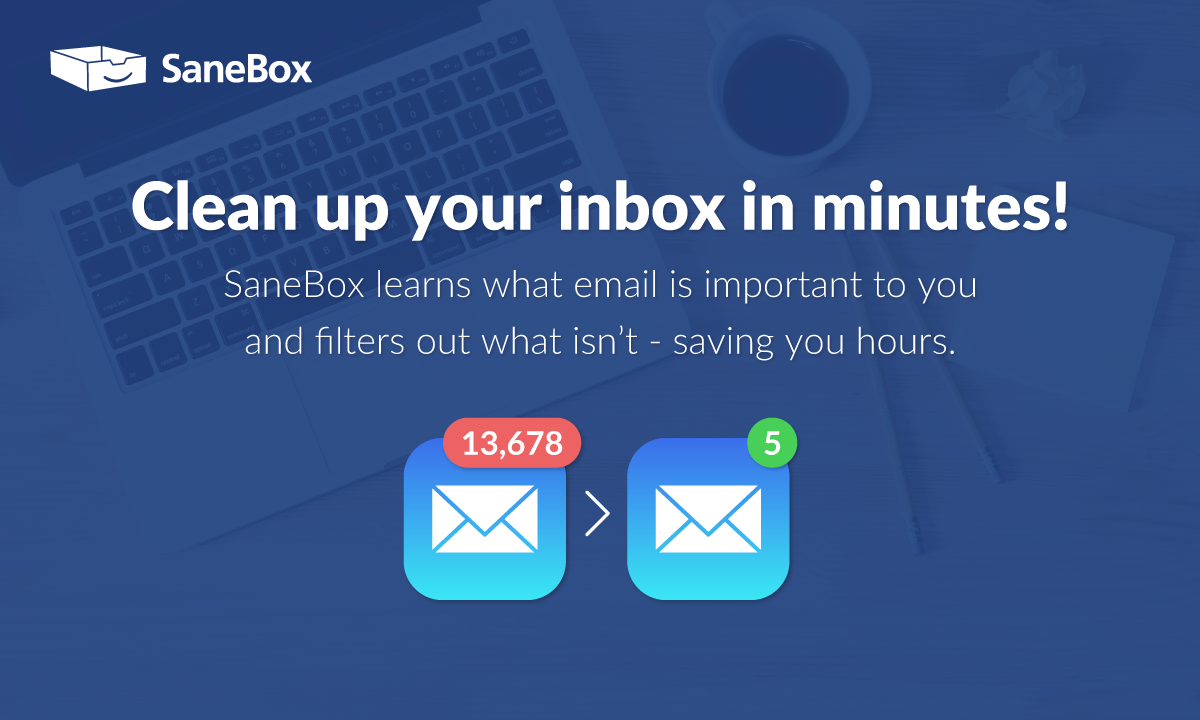
SaneBox is an ai tool designed to easily control your email inbox. You can set the parameters you want and from that point on the ai will automatically prioritize and filter your emails.

The best part is that it doesn’t just send emails to spam, it enables you to decide which emails you want to see. If you have emails that you will never want to see, you can send them to the black-hole. Either way, it’s up to you!

SaneBox works with most major email providers. And it won’t delete or move any emails to the spam folder unless you tell it to.

Main features:

  1. Email Filtering: SaneBox can filter your emails automatically. Once you tell the ai which folders you want certain types of emails sent to, Sanebox will do it automatically.
  2. Priority Inbox: SaneBox knows which emails you really want to see and keeps them at the top.
  3. Reminders: Sanebox will remind you to reach out to someone again if they haven’t responded to your email.
  4. Do Not Disturb: When you’re exceptionally busy, you know a normal Tuesday, you can set Sanebox to temporarily hold all emails that aren’t urgent.
  5. Digests: Unlike the spam filter on some email providers which get rid of emails you might have wanted to see, SaneBox sends you a daily or weekly summary of unimportant emails, reducing clutter in your inbox but giving you the option of looking them over.
  6. Blackhole: And, if there are some emails you never want to see, you can send them to the blackhole, automatically!

Pros:

  1. Free Trial: You can see if SaneBox is the right tool for you with their free trial.
  2. Saves Time: Everything is sorted for you based on your preferences. Your important messages are right at the top of your list
  3. No More Cluttered Inbox: By moving various types of emails into folders your inbox is kept un-cluttered so an important email never gets lost in the crowd.
  4. You Can Customize Your Filters: You can customize the filters based on your preferences so the AI will adapt to what you need.
  5. Integration: You can use Sanebox with most email services like Gmail, Outlook, Apple Mail, etc.,
  6. Reminder Features: Reminds your email hasn’t gotten a response.
  7. Blackhole Feature: (I love this one!) Unsubscribe from senders you really don’t want to hear from again!
  8. Weekly Updates : You get summary emails of emails that aren’t as important so you never miss out but you don’t get interrrupted either.

Cons:

  1. Learning Curve: SaneBox is very user friendly but like any new tool, you need to set it up to your preferences.
  2. Not for Everyone: If you don’t get overwhelmed with too much email, you probably don’t need Sanebox!

Bottom Line

SaneBox gives you a ton of options and control over where you email messages go. I have personally had issues with traditional spam folders because what I consider spam and what the algorithm considers spam are sometimes very different.

If you want a cleaner inbox – less clutter and a lot less overwhelm, and you want to control which emails you see, which emails can wait and which emails are sent to spam, Sanebox is a good option.

You can start a free trial at this link AND you get a $25 credit towards a subscription of Sanebox if you’re interested!

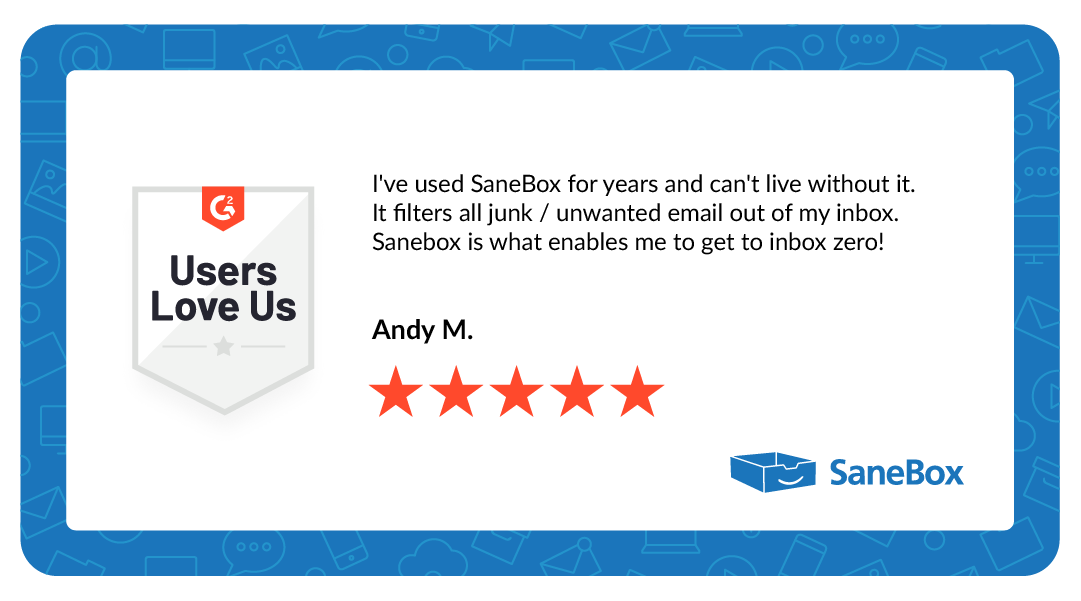
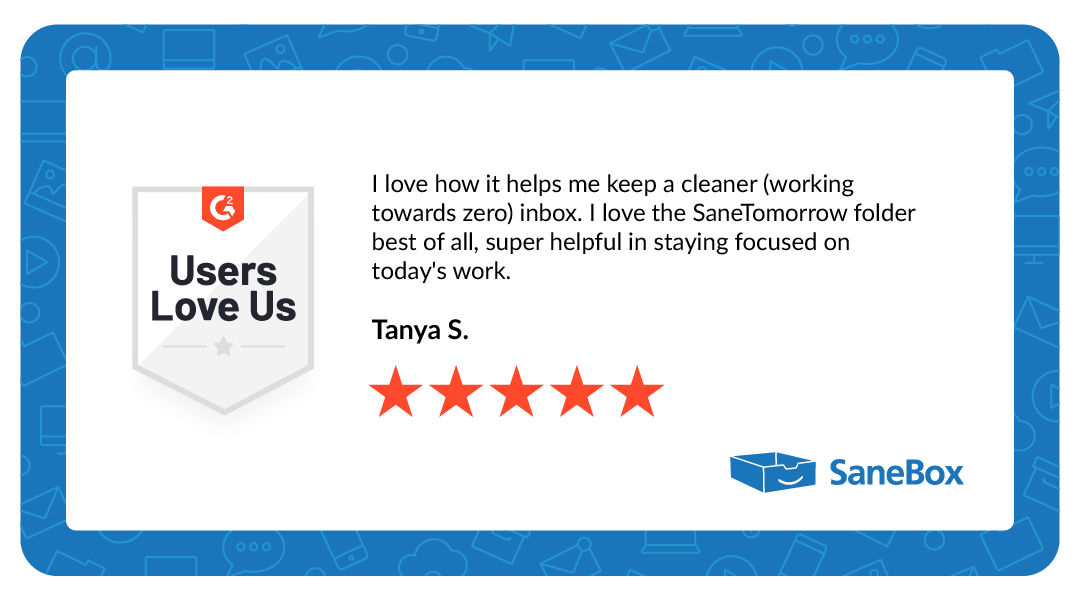
Testimonials